AI to Write Your Follow-Up Messages: Draft Helpers with RAG
TL;DR
An AI that writes your follow-up messages reads each lead's conversations and history along with your knowledge base (RAG), then proposes the exact draft of the next message—in your voice, with your facts. You review it and send in seconds. It writes from what you know; it doesn't make things up: follow-up doesn't stall on replying, it stalls on writing the right message.
Follow-up stalls for a reason almost no one names: it isn't replying that's hard, it's deciding what to write. An AI that writes your follow-up messages solves exactly that, and it's exactly what TotemAI's Draft Helpers do. They read that specific lead's history and pull from your knowledge base—your prices, your services, your terms—to propose the exact draft of the next message, in your voice. You review it and send in seconds. The AI writes from what you know; it doesn't make things up.
And that distinction is everything. Plenty of tools "write on their own" and then spit out something generic that doesn't fit your business—or worse, invent a price that no longer applies. A Draft Helper does the opposite: it starts from your real information and the context of that conversation, not from some template off the internet. The result is a message that reads as if someone on your team who remembers everything wrote it.
The bottleneck isn't answering—it's the follow-up
When a small business tells us they "can't keep up with the leads," it's almost never about the first contact. The AI already covers that—answering the phone in ~1 second and replying right away on WhatsApp, Instagram, Messenger, SMS and web chat, 24/7. The jam shows up afterward: on the second message, the third, the fourth. On the follow-up that has to be personalized and that no one has time to write well at nine at night.
And that follow-up is exactly where sales get closed. Every salesperson knows the classic stat:
5 follow-ups
According to a widely cited analysis from Marketing Donut, about 80% of sales need five follow-ups after the first contact, yet most salespeople give up after one or two. Not out of laziness—out of friction. Every tailored message means rereading the history, remembering what that lead was offered, and writing something that doesn't sound like a template. Multiply that by forty open conversations and you understand why leads go cold. We dig into it in the guide to automated lead follow-up for small businesses.
The Draft Helper attacks that specific friction. It doesn't take away your control of the message; it takes away the blank page.
How the AI writes the follow-up message from the lead's context
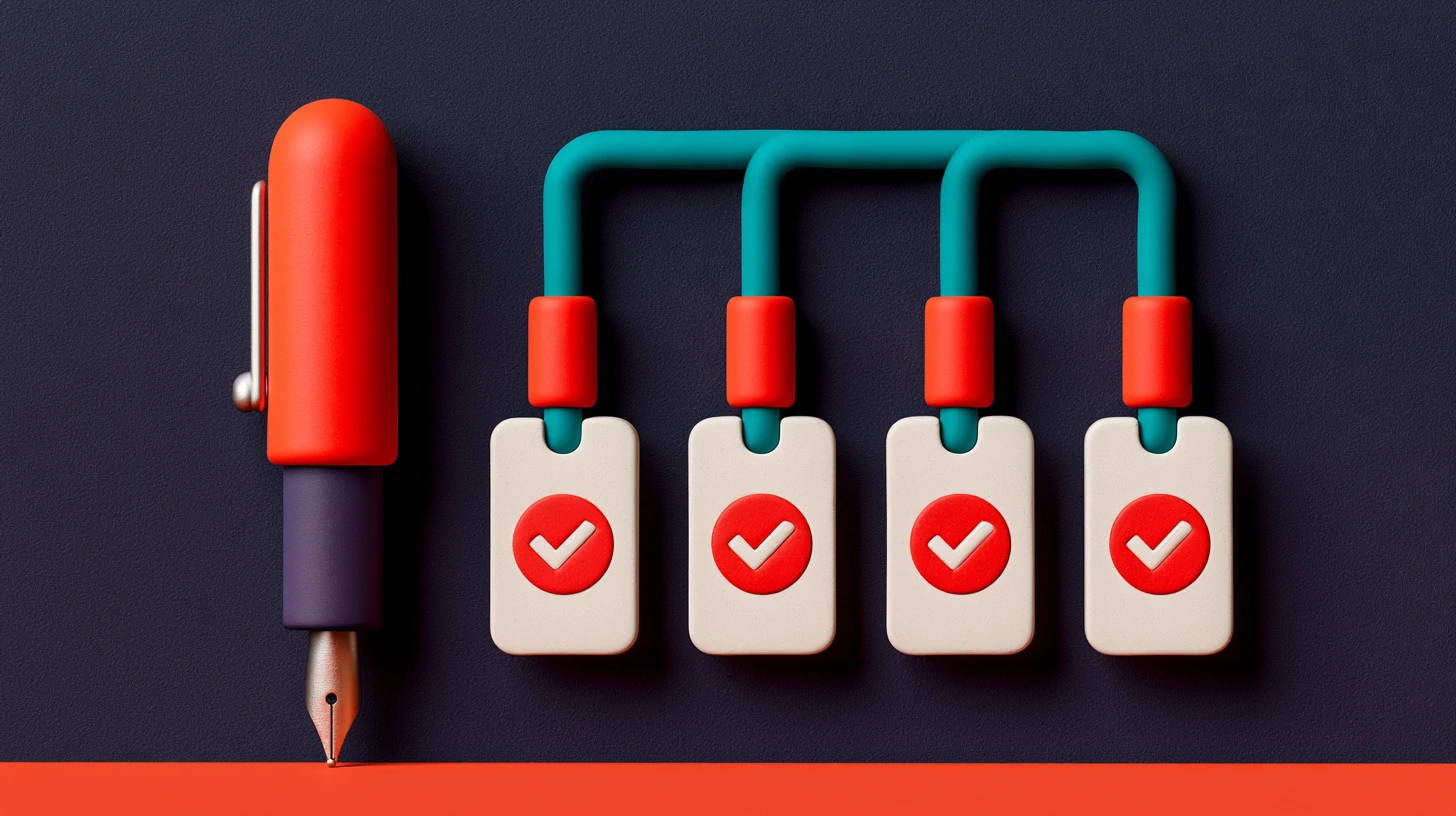
A good follow-up draft doesn't come out of nowhere: it comes from knowing who you're talking to. That's why the first thing the Draft Helper does is read that lead's record, not write.
The lead moves across the board
The Draft Helper reads the context and the conversations
It queries your knowledge base (RAG)
It proposes the draft
You review and send
The key is that the Draft Helper doesn't work on an abstract lead. It works on this lead: the one who called you Tuesday asking about financing, the one who left their details on Instagram at eleven at night, the one who asked you to confirm Saturday hours. When the draft arrives with that detail already inside, you stop writing from scratch and start editing—which is ten times faster.
RAG: the AI writes with your facts, it doesn't invent them
Here's the piece that separates a serious tool from a pretty text generator. RAG stands for retrieval-augmented generation: in plain English, the AI first retrieves the information from your knowledge base and then writes the message grounded in what it found. It doesn't pull from what it "thinks it remembers"; it pulls from what you gave it.
That difference is exactly what prevents so-called hallucinations—when a language model fills a gap with a plausible but false fact. An AI that writes follow-ups without RAG might hand your customer an old price, hours you no longer keep, or a service you stopped offering. By anchoring every draft in your real documents, the Draft Helper answers with the source in front of it instead of improvising.
Myth
The AI makes up prices and facts when it writes a message.
Reality
With RAG, the draft is built on your knowledge base: your real prices, hours and terms. If the fact isn't there, it tells you instead of inventing it.
Myth
To make it sound like my brand, I have to rewrite everything it proposes.
Reality
The Draft Helper learns your tone from your own knowledge and your conversations. You usually tweak a word, not the whole message.
Myth
Setting up a knowledge base is a months-long project.
Reality
You hand over the information from your brochures, FAQs and terms, and it comes from that. During onboarding, which we do for you, we set it up ready for you; you just update it when something changes.
The practical upshot is twofold. On one hand, the customer gets correct answers: the price that actually applies, the hours you actually keep, the cancellation policy you actually use. On the other, you sleep easy, because you know the AI isn't improvising commitments in your name. And because every message passes your sign-off before it goes out, there are two safety nets: your facts and your judgment.
This same idea—grounding the AI in your real knowledge—is what makes your AI receptionist sound like you and not like an off-the-shelf robot. We explain it in depth in how to train your AI receptionist on your own knowledge.
You approve, the AI writes: fast and in your voice
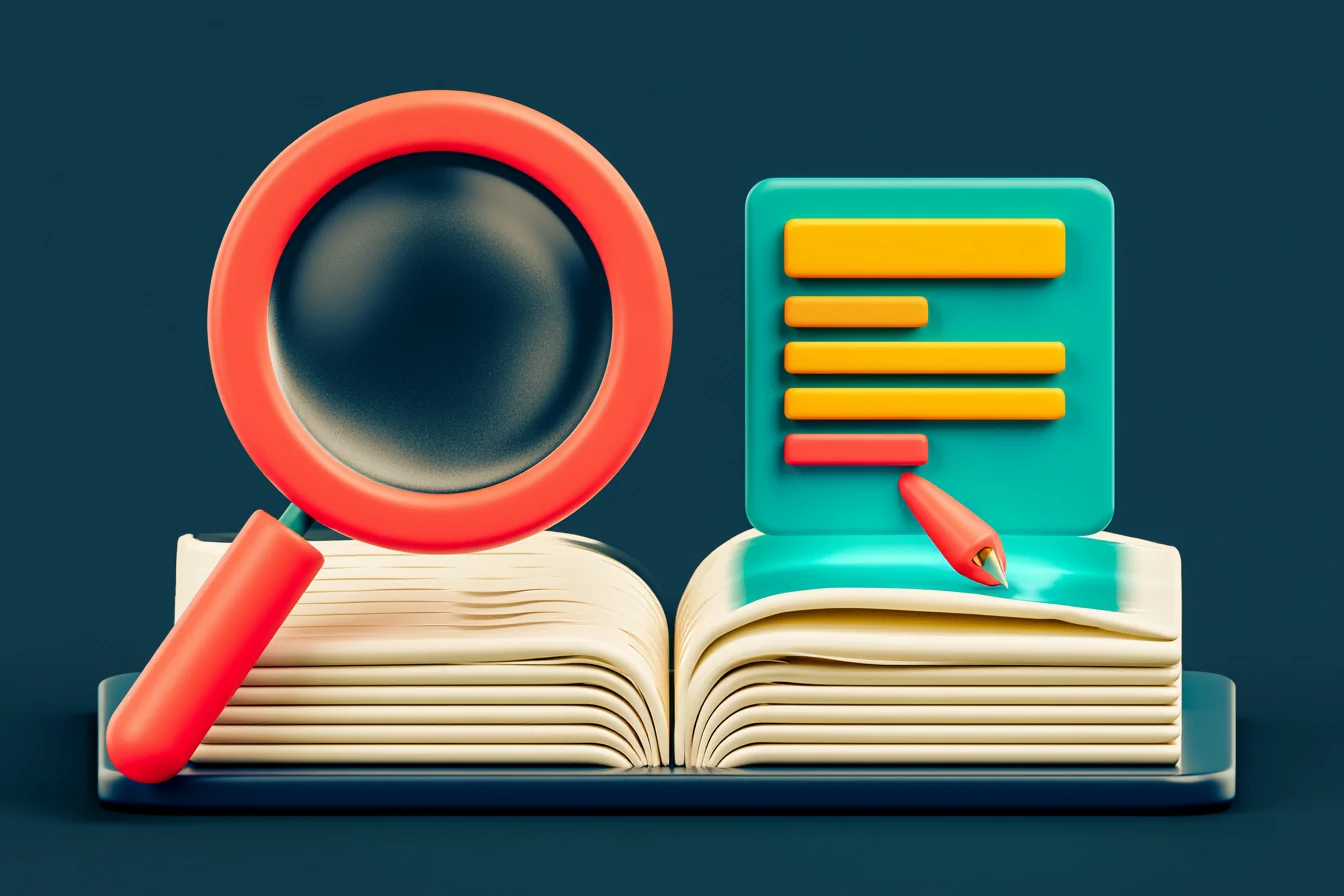
It helps to place the Draft Helper precisely: it steps in when a person on your team writes to a customer—a follow-up, an email, a reply that goes out of your inbox—not when the customer converses directly with the AI assistant. With the Draft Helper the model isn't "the AI writes and you trust it," but "the AI prepares and you decide": it hands you a draft, you read it in two seconds, you approve it or tweak it, and you send it yourself. That small ceremony—reviewing before sending—keeps your brand safe, and it also reads well on privacy: if you handle data of EU residents, GDPR applies, and because a person approves and sends each message, that send isn't a "solely automated" decision, so the reinforced regime of GDPR Article 22—which only kicks in for decisions made without human involvement that carry legal or similarly significant effects—never even comes into play.
It's different when the customer talks directly to the AI assistant by voice or chat: there the AI answers on its own, automatically, with no one approving each message. That's why those conversations disclose that "an AI is helping you"—the transparency obligation the EU AI Act places on these assistants (Regulation (EU) 2024/1689—the AI Act—art. 50.1) if you take calls from or serve EU residents, and a sound practice everywhere else, in line with the FTC's stance on not deceiving customers. And the customer can always ask to speak to a person, as a trust best practice (not a blanket legal requirement). In both cases we handle your data to the GDPR standard, with safeguards for any processing outside the EEA.
The Draft Helper doesn't write in your place. It writes the first 90% so you can add the 10% that only you truly know.
So what does a business gain when follow-up stops depending on each afternoon's inspiration? Here's what our clients tell us after they put Draft Helpers to work on their knowledge base:
60%
less response time, according to our clients
+40%
more demos booked after automating follow-up
+55%
more leads handled as a priority, without a single one going cold
It's not magic: it's that follow-up stops being a task you keep putting off. When the draft is already written and all you have to do is approve it, the repetitive work gets done—and gets done well. If you want to see how this fits into a full WhatsApp sequence—templates, cadence and handoff to a person—you'll find it step by step in how to automate WhatsApp follow-ups without being technical.
And when a conversation goes off script, the Draft Helper steps aside and a person steps in. Anyone on the team takes the conversation in one click, the full context in front of them: the history, the earlier drafts, what the lead replied. It's a warm handoff, not a "start over." Finding that conversation among hundreds, by the way, is instant with the built-in search that locates any lead in a second.
Key takeaways
- The follow-up bottleneck isn't replying—it's writing the right message on time.
- The Draft Helper reads the lead's history and your knowledge base to propose the exact draft of the next message.
- RAG means the AI answers with YOUR facts—prices, hours, terms—instead of inventing them.
- The Draft Helper is human-in-the-loop: you approve and send each message, so that send isn't a "solely automated" decision (unlike the AI assistant, which converses with the customer on its own). Data handled to the GDPR standard.
- The draft sounds like your brand because it starts from your knowledge, not from a generic mold.
- When tact is needed, a person steps in with one click and the full context: a warm handoff.
The perfect follow-up always existed in theory: five messages, personalized, at just the right moment, with the correct facts. What was missing was the time to write them. Draft Helpers put that time on your side, without you losing control of what goes out in your name.
Official sources
Frequently asked questions
What is a Draft Helper in TotemAI?
It's an assistant that drafts the next follow-up message to a lead. It reads that conversation's history and pulls from your knowledge base to write a proposal in your voice, with your facts. It never sends anything on its own: you review it, edit it if you like, and send it in seconds.
Does the AI make up facts when it writes?
It shouldn't, and that's the whole point of RAG. The Draft Helper leans on your knowledge base—your prices, hours, services and policies—to reply with your real facts. If it can't find the fact, it tells you instead of inventing one. And because you approve every message before it goes out, the last filter is always human.
Do I have to write the knowledge base myself?
You give it your documents—brochures, FAQs, prices, terms—and the knowledge base comes out of that. During onboarding, which we do for you, we help you set it up, and then you update it whenever something changes. The better you keep it, the better the drafts.
Does this take the human touch out of follow-up?
Just the opposite. The Draft Helper takes away the blank page, but you approve the message. And when a conversation calls for tact, anyone on the team steps in with one click, the full context in front of them. The customer can always ask to speak to a person, and the AI disclosure is clear.
Can it write follow-up messages for WhatsApp, email or text?
Yes. The Draft Helper drafts the next message no matter which channel that conversation lives on: WhatsApp, email, text, Instagram or web chat. It reads the history of that specific thread and proposes text tailored to that channel and to that point in the follow-up. You review it and send it from the same place.
How is a Draft Helper different from an automated template message?
A template sends the same thing to everyone. The Draft Helper writes a unique draft for each lead, because it starts from that lead's real history and your knowledge base, not from a fixed mold. That's why it reads like it was written by hand, with your correct facts, instead of a generic copy-paste.
Related reading

Franchise & Multi-Location CRM: Give Every Branch Its Own WhatsApp and Channels
One CRM for franchises and multi-location businesses: give every branch its own number, WhatsApp and channels while HQ sees the whole group in one view.

AI Receptionist Results for Small Business: +43% Bookings, −62% No-Shows, Double the Sign-Ups (With the Fine Print)
Real AI receptionist results for small business: +43% bookings, -62% no-shows and double the sign-ups, with the fine print on every figure.
AI Agent for Accounting Firms: Answers From Your Own Knowledge (RAG)
An AI agent for accounting firms answers repeat questions from your own knowledge base (RAG), qualifies each case, and books the consultation.
Multilingual AI Customer Service, Without Hiring More People
Multilingual AI customer service replies in each customer's language by voice and chat, 24/7. One team covers every language without extra hires.
 Book a demo
 by
by  Totem Studio