
How to Train an AI Receptionist to Sound Like Your Brand (Grounded in Your Knowledge, and You Approve Everything)
TL;DR
To train an AI receptionist that sounds like your brand, you need three things: feed it your real knowledge (RAG) so it doesn't make anything up, define its tone and limits, and approve the script before it answers the first call. An off-the-shelf AI sounds like a brochure; a well-trained one sounds like your business. Then real calls fine-tune it, and Draft Helpers propose improvements you approve. You're in charge; the AI executes.
An off-the-shelf AI sounds like a brochure: polite, correct, and above all interchangeable. It could belong to your clinic or the one across the street. Training an AI receptionist to sound like your brand changes that completely: trained well, it knows your services, uses your words, knows how to answer "do you offer financing?" and hands off to your team when it should. The difference isn't magic or a pricier model—it's three decisions that you make. Feed it your real knowledge so it doesn't make anything up, define its tone and its limits, and approve the script before it answers the first call. This is the guide to doing it right, without writing a single line of code.
In 30 seconds
- A generic AI sounds like anyone; training it on your knowledge makes it sound like you.
- Grounding (RAG): before it answers, the AI checks your knowledge base, so it doesn't improvise.
- You approve the tone, the limits, and the script before it goes live. Nothing ships without your sign-off.
- Real calls fine-tune it, and Draft Helpers propose improvements that you approve.
- What it doesn't know, it doesn't invent: it does a warm handoff to a person with full context.
Why an off-the-shelf AI sounds like anyone but you
A language model straight out of the box knows a huge amount about the world and nothing about your business. It doesn't know your first-visit price, that you close at noon on Tuesdays, or that your flagship product goes by a specific name. So it fills the gaps with whatever any business in your industry would say. The result is that corporate-brochure tone: it sounds professional and says nothing useful.
For a small business, that's a double problem. On one hand, it frustrates the customer, who calls to sort out something specific and runs into vague answers. On the other, it's dangerous: an AI that doesn't know the answer and replies anyway ends up making things up—the infamous "hallucinating." And a receptionist that invents a price or a schedule costs you a booking, or worse. The fix isn't to ask it to try harder; it's to give it your real knowledge and teach it not to stray from it.
Grounding and RAG: training the AI on your knowledge base so it doesn't make anything up
Here's the technical piece that changes everything, explained without the jargon. Grounding means anchoring the AI's answers to a source of truth: yours. In practice that's done with RAG (retrieval-augmented generation), a fancy name for something simple: before it answers, the AI looks up the relevant information in your knowledge base and responds with that data, not with what it imagines.
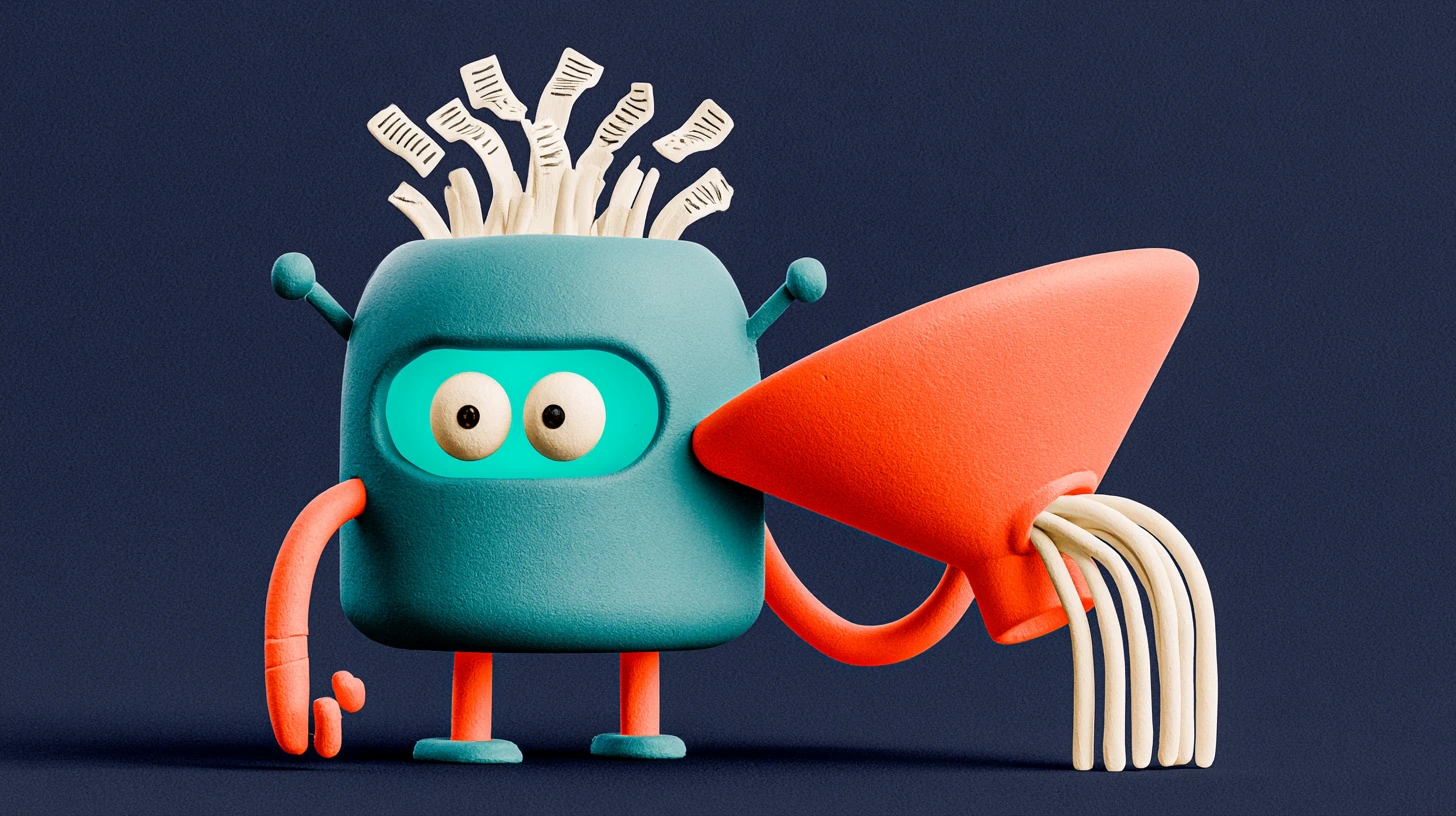
In TotemAI, your knowledge base is fed with your own materials—documents, web pages, price lists, the questions people already ask you—and the AI consults them in every conversation. The practical upshot? When someone asks "how much is a dental cleaning?", it doesn't recite a generic range from the internet: it quotes your price. And when they ask something that isn't in your knowledge, it doesn't improvise: it acknowledges that and passes the conversation to a person. That same knowledge is what later lets the AI draft the follow-up from the lead's context without you writing the message.
Myth
An AI always makes things up—I can't trust it.
Reality
Anchored to your knowledge base (RAG), it answers with your data. What it doesn't know, it hands off instead of improvising.
Myth
Training it is a months-long technical project.
Reality
It's uploading your materials and approving the script. In TotemAI you're live in 48-72 hours, without writing code.
Myth
If I train it myself, it'll still sound like a robot.
Reality
You define the tone: warm or formal, casual or buttoned-up. Fine-tuned well, it's hard to tell it's an AI.
Tone, limits, and script: you approve before it goes live
Knowing what it says is half of it. The other half is how it says it and how far it goes. The AI doesn't decide this: you do, and you approve it before it answers anyone.
The tone is your brand's voice. Warm and playful, or serious and professional? On a first-name basis, or more buttoned-up? A driving school and a law firm don't talk the same way, and your AI shouldn't either. You fine-tune the tone until, read aloud, the script sounds like someone on your team. If you want to dig into how you keep the voice from grating, we cover it in how an AI voice agent sounds today.
The limits matter just as much: what the AI can decide on its own and what it can't. It can give prices and hours, sure; but can it promise a discount, confirm that a specific property is available, or give medical advice? You draw those lines. Anything outside its perimeter, it hands off.
The question isn't "what does the AI know?" but "what do you let it decide?" You draw the line; it respects it.
And the script is the result: the document that defines how it introduces itself, how it answers the usual questions, how it hands off, and how it signs off. In TotemAI you review it and approve it before it goes live. Nothing reaches a real customer without your sign-off. It's not a black box you switch on and pray over: it's a script you read, adjust, and sign.
Gather your knowledge
Define tone and limits
Review and approve the script
It goes live and improves
Continuous improvement: training your AI receptionist with real calls and Draft Helpers
No receptionist, human or AI, comes out perfect on day one. The difference is that the AI has perfect memory of every conversation, and that turns each call into training material.
Every call and every chat leaves a transcript and a sentiment reading. Reviewing them, you see what a human front desk loses: what your customers really ask, which questions come up again and again, and the moments the AI had to hand off for lack of information. Each of those gaps is an answer you add to your knowledge base. The AI doesn't learn on its own behind your back: it learns because you decide what to add.
The Draft Helpers lend a hand here. With the lead's context in front of them, they propose the draft of the follow-up message or the reply—you read it, adjust it if you want, and send it. It's not the AI acting on its own: it's the AI drafting and you deciding. We cover the full mechanics, with RAG underneath, in Draft Helpers and RAG: the follow-up that writes itself.
What a well-trained AI should NOT do (and how you lock it down)
Training well is as much about teaching it what to say as teaching it when to stay quiet. A well-built AI receptionist has clear boundaries, and that's an advantage, not a limitation.
It shouldn't make things up: if the answer isn't in your knowledge, it acknowledges that and hands off. It shouldn't decide what isn't its call: off-list prices, diagnoses, legal commitments. And it shouldn't pretend to be human: right from the start, it mentions naturally that it's an AI. This isn't just good manners. In the US, disclosing AI is a best practice customers expect, and the FTC takes a dim view of AI built to pass for a person. And if you take calls from or handle data of people in the EU, it becomes a legal requirement: the AI Act obliges the provider to design systems that interact with people so they know they're talking to an AI—a transparency duty (Regulation (EU) 2024/1689 —the AI Act—, art. 50.1). On top of that, as a Totem design choice and a trust best practice, the agent always offers a path to escalate to a person on your team—worth being clear that, for a booking or reception assistant that doesn't make solely automated decisions with legal or similarly significant effects, this is a product choice, not a "right to a human" under GDPR art. 22, which only kicks in for those kinds of decisions. On our side, customer data is processed on European infrastructure. When a conversation goes off-script, the warm handoff kicks in: the AI passes the conversation to someone on your team with full context, without the customer having to repeat themselves. That's how the AI voice agent for business works when it's truly connected to a team.
And the other half of a receptionist's job—booking the appointment, logging the lead, moving the card on the board—doesn't get left hanging either: every well-trained conversation ends up turned into action inside your CRM. We go into why that matters so much in how to go from call to lead in your CRM.
According to our clients, a well-trained, well-connected AI receptionist translates into concrete gains: up to 60% less response time, 40% more demos booked, and 50% more appointments, because no call goes unanswered and no lead goes without follow-up. It's not magic: it's what happens when the AI sounds like your business and you stay in control.
If you'd rather look at the plans and start on your own, take a look at TotemAI's options: live in 48-72 hours, no lock-in, and a flat monthly plan that includes minutes and messages, so you know what you pay each month.
Official sources
Frequently asked questions
What is training an AI receptionist with grounding or RAG?
It's giving it your real knowledge (prices, services, hours, FAQs, protocols) as a source of truth so it answers with your data and not with generalities. RAG means that, before it answers, the AI checks your knowledge base; that way it doesn't make anything up and it talks about your business.
Can I review what the AI will say before it answers the first call?
Yes. In TotemAI you define the tone, the limits, and the script, and you approve them before going live. Nothing goes public without your sign-off, and you can adjust any answer afterward.
How do I keep the AI from inventing answers?
By anchoring it to your knowledge base and setting clear limits: what it doesn't know, it doesn't improvise. When a query goes off-script, it does a warm handoff to a person on the team with full context.
Does the AI improve over time?
Yes. Real calls and conversations show what your customers ask and where the AI hesitated. You add those answers to the knowledge base, and Draft Helpers propose wording that you approve. It's continuous improvement with a human in charge.
How long does it take to train an AI receptionist?
It's not a months-long project. Training an AI receptionist is gathering your materials (services, prices, hours, FAQs), defining the tone, and approving the script. In TotemAI you're usually live in 48-72 hours and without writing a single line of code.
Do I need to know how to code to train an AI receptionist?
No. Training consists of uploading your knowledge, adjusting the tone and limits, and approving the script. It's all done from the platform, no code. The technical part (the RAG that queries your knowledge base) stays under the hood.
Related reading

No-Contract AI Receptionist: Cancel Anytime, No Setup Fee, No Risk
A no-contract AI receptionist for small business: cancel anytime, no setup fee, no penalty. Try it risk-free and go live in 48-72 hours.
Your AI receptionist, set up for you in 48–72 hours (done-for-you)
Your AI receptionist, set up for you in 48–72 hours. We build it, you approve it. No setup fee, no long-term contract, nothing technical to touch.
How Much Does an AI Voice Agent Cost in 2026? The Fine Print
How much does an AI voice agent cost? Per-minute vs flat monthly pricing compared, what's really included, and how to avoid black-box billing.

AI Receptionist Cost: It's Less Than One Missed Call a Day
An AI receptionist costs less than one missed call a day. See the ROI math by industry and why the plan pays for itself the first month.
 Book a demo
 by
by  Totem Studio