Appointment Reminders by Text, Email, or WhatsApp: Which Channel Actually Confirms
TL;DR
For appointment reminders, WhatsApp confirms the most: it's opened almost every time and lets clients confirm or reschedule in one tap inside the same thread. Text (SMS) is the universal backup that needs no app or data, and email isn't a reminder — it carries the confirmation and calendar invite at booking, and the client's own calendar adds its native alerts. The winning play is combining them smartly, not sending the same alert three times.
If you take just one idea about appointment reminders: to get a confirmation, WhatsApp wins because it's opened almost every time and lets clients confirm or reschedule in one tap; text (SMS) is the universal plan B when there's no app or data, and email is the backup for attachments and instructions. The rest is nuance — but that nuance is worth money: the right channel at the right moment is the difference between an empty slot and a full calendar.
Almost everyone asks the wrong question. It's not "which channel gets opened most?" — it's "which channel gets the client to reply and confirm?". A reminder that gets read and ignored doesn't stop a no-show. One that gets answered with a "Yes, I'll be there" does.
What really matters: that it's read AND answered
A reminder has one job: turn an appointment into a confirmed appointment. For that it needs two things, in this order.
First, that it lands and gets read. The perfect message is useless on a channel your client checks once a week. Second — and this is where most fall apart — that it invites a reply right there. A "Reply YES to confirm or NO to cancel" inside the same thread closes the loop; an email with a button that opens a web page asking for a login breaks it.
That second part — active confirmation — is what really moves the needle. We cover it in depth in the guide to reducing appointment no-shows, but the summary is simple: asking for a one-tap confirmation works better than just reminding.
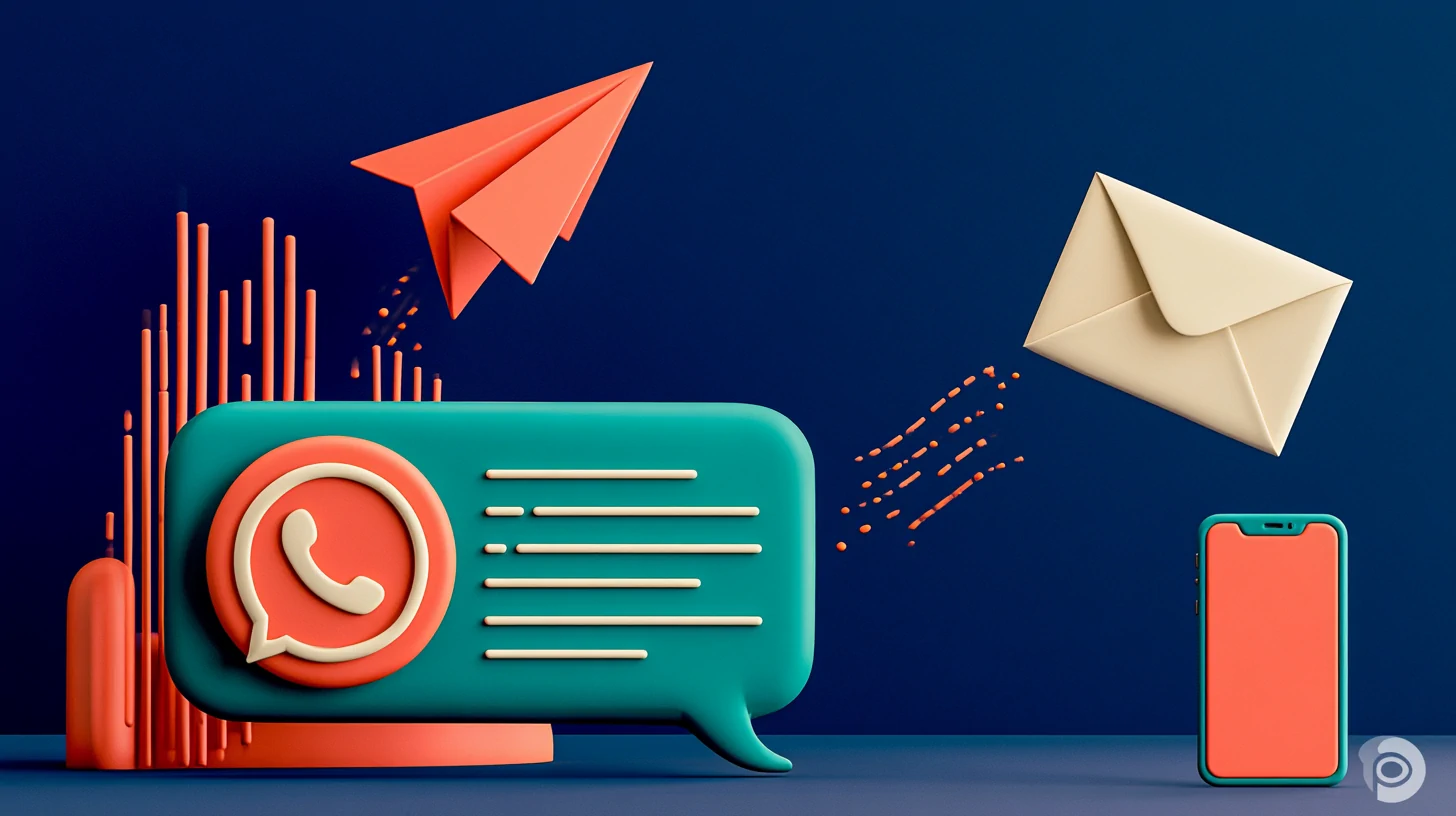
Appointment reminders: WhatsApp vs text vs email, compared
Each channel has a personality. Seeing them side by side makes the hierarchy for appointment reminders clear: which gets opened, which gets a reply, and which actually confirms.
| Text (SMS) | |||
|---|---|---|---|
| Open rate | Very high | Very high | Medium |
| Client reply | High | Medium | Very low |
| Confirms in one tap | Yes, in the thread | Yes, by replying | Rare |
| Reschedule in chat | Yes | Limited | No |
| Needs app / data | Yes | No | Yes |
| Attachments & instructions | Yes | No | Excellent |
The picture is sharp. WhatsApp and text share the podium on open rate because both land on the lock screen, where the eye goes on its own. The difference is the conversation: on WhatsApp the client confirms, asks a question, or requests a new time without leaving the chat, and you see it all in a single thread. Text confirms fine with a "YES," but rescheduling three messages deep gets awkward. Email — great for sending a map or a consent form — almost never gets a confirmation reply: people read it and move on.
−35%
fewer no-shows, according to our clients
+50%
more confirmed appointments with active reminders
~1 s
to answer the phone, 24/7
Those figures are results we see with Totem clients when the reminder stops being a one-way alert and becomes a conversation that confirms. Speed matters: if someone replies "can I move to Thursday?", the answer has to arrive in seconds, not the next day.
When to use each channel for a reminder (without spamming)
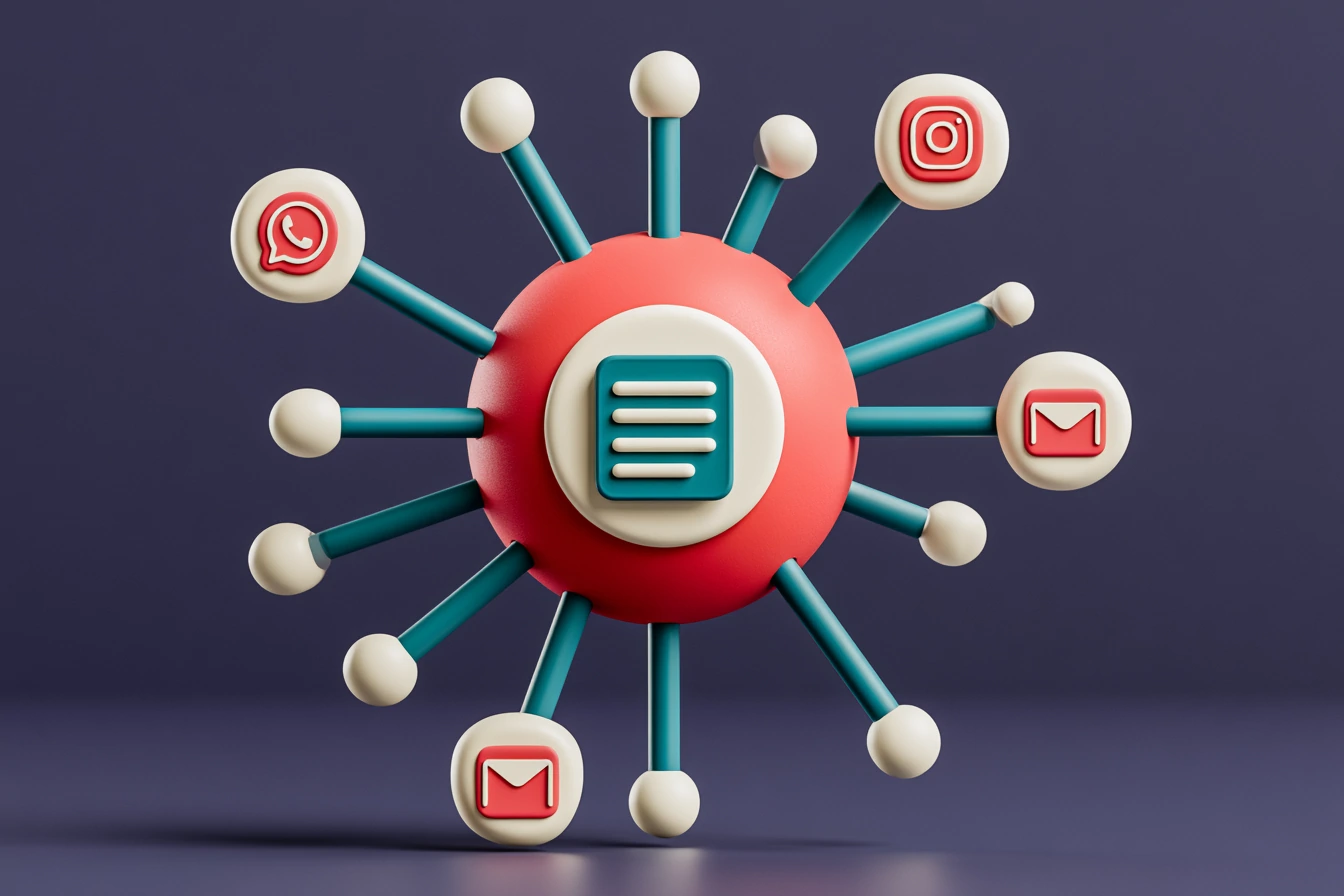
Combining channels doesn't mean sending the same appointment reminder three times. That's noise, and noise trains your client to ignore you. Combining well means using each channel for what it does best: WhatsApp to remind and confirm, and a call or a backup text for whoever doesn't reply. Email isn't a reminder you chase: it's where the confirmation and calendar invite land the moment they book, and the client's own calendar already stacks its native alerts on top.
At booking: confirmation + calendar
The reminder: WhatsApp
No reply: call or text
In the background: the calendar alerts
The logic is a cascade, not a barrage. You start with the channel that confirms most (WhatsApp) and, only if there's no reply, drop to a call or a backup text. Email isn't part of that reminder chain: the confirmation and calendar invite send themselves at booking, and the client's calendar adds its native reminders on its own. If the client already confirmed on WhatsApp, they don't get the text. Period. That restraint is what separates a useful cadence from one that trains your client to ignore you, and we lay it out in the appointment reminder schedule that works.
Compliance: consent, opt-out, and AI disclosure
Sending reminders is perfectly legal, but with rules worth having clear from the first message.
To remind someone about an appointment they already booked, you're on solid footing: it's an informational service message, not marketing — the client booked, you're reminding them. Promotional messages (an offer, a half-price last-minute slot) are a different story. In the US, marketing texts and calls generally need the recipient's prior express consent under the TCPA, and marketing email has to follow CAN-SPAM — an accurate sender, no misleading subject line, a real physical address, and a working unsubscribe. Every commercial message must include an easy, free way out: a "Reply STOP to opt out" or equivalent. (If you also serve EU residents, GDPR gives you a lawful basis for that service reminder — contract or legitimate interest, art. 6.1.b/6.1.f — and it still isn't a commercial communication.)
And if the one replying on the other side is an AI, you should tell people they're dealing with an AI unless it's already obvious. In the US that's good practice and squarely in line with FTC expectations on not deceiving customers; it's also an explicit transparency duty under the EU AI Act (art. 50.1 of Regulation (EU) 2024/1689) that applies if you interact with people in the EU. One important nuance: neither GDPR nor US law creates a general "right to talk to a human" in customer service. Under GDPR (and comparable laws), that right to human intervention only arises for solely automated decisions with legal or significant effects (art. 22) — which a reminder or a booking normally doesn't produce. At Totem, the AI disclosure and the opt-out come standard, and data is hosted in the EU as a product choice — a premium baseline, not something a US law requires. We also always offer a path to a person as a trust best practice: the AI handles the first pass and, in one click, a human picks up the conversation with the full context in front of them, so the client never repeats a thing.
Key takeaways
- For confirming appointments, WhatsApp wins: it's opened almost every time and confirms or reschedules in one tap.
- Text or a call is the backup for anyone who doesn't answer on WhatsApp; email isn't a reminder — it carries the confirmation and calendar invite (with native alerts).
- Combine in a cascade, not a barrage: if they already confirmed, don't send the same alert on another channel.
- In the US: a service reminder for a booked appointment isn't marketing, but promotional texts and calls generally need prior consent (TCPA) and marketing email must follow CAN-SPAM; always give an easy opt-out and disclose when an AI is replying. If you serve EU residents, the AI Act (art. 50.1) and GDPR also apply — and a path to a person is best practice, not a general GDPR art. 22 right.
Multichannel appointment reminders that confirm and reschedule on their own
This all sounds great until you have to build it by hand: a spreadsheet of appointments, copy-pasting messages, chasing replies across three different inboxes. That's where it breaks.
With TotemAI the reminder goes out on its own from your calendar. You connect Google or Microsoft Calendar, set the cadence (WhatsApp the day before, a follow-up text or call if there's no reply), and the platform sends each message on the right channel. When the client replies, the AI confirms, answers the question, or reschedules in the chat right away, 24/7. The lead moves itself across the board based on the outcome — no Zapier — and if they ask for something that needs a human touch, the warm handoff passes it to a person with the full context.
The detail we like most: you pay a flat monthly plan with minutes and messages included, so the cost is predictable month to month; if a spike leaves you short, you top up with a one-time add-on and you can set a spend cap. If you want to see how the flow that drops the appointment straight onto your calendar is built, it's in how to book appointments straight into your calendar.
The best reminder isn't the one that's read most. It's the one that gets answered on its own.
A good multichannel reminder isn't magic or a prettier template: it's picking the channel your client answers, asking for the confirmation right there, and letting the system handle the follow-up without being pushy. That's what fills calendars and empties the no-show list.
Official sources
Frequently asked questions
Which channel works best for appointment reminders?
For active confirmation, WhatsApp: it has very high open rates and lets clients reply, confirm, or reschedule in one tap inside the same thread. Text (SMS) is the universal backup because it needs no app or data, and email works as reinforcement for attachments or instructions. The ideal is to combine them without repeating the same message across all three.
Is it legal to send appointment reminders by text or WhatsApp?
Yes, as long as you have a valid legal basis. A reminder for an appointment the client already booked is an informational service message, which sits on firmer footing than marketing. In the US, marketing texts and calls generally need prior express consent under the TCPA, and marketing email must follow CAN-SPAM (accurate sender, no deceptive subject line, an easy opt-out). Every commercial message should offer a simple, free opt-out (a 'Reply STOP' or equivalent). If an AI is replying, disclose that it's an AI unless it's obvious — that's good practice in the US and a transparency duty under the EU AI Act (art. 50.1) if you serve EU residents. Offering a path to a person is smart for trust, but under GDPR (and comparable laws) the right to human intervention only applies to solely automated decisions with legal or significant effects (art. 22) — which an appointment reminder normally doesn't produce.
Do you need an app or tool to automate reminders?
Yes, if you want them to send on their own and the replies to land in one place. With TotemAI you send reminders by WhatsApp, voice, or text from your calendar, the AI confirms or reschedules in one tap, and the lead moves itself across the board based on the reply — no Zapier.
Why does an email reminder fall short?
Email has lower open rates and, above all, almost nobody replies to confirm. It's great for sending instructions, maps, or documents, but as an active confirmation tool it loses to WhatsApp and text, which land on the lock screen and get answered in seconds.
How far in advance should you send an appointment reminder?
A good pattern is an active WhatsApp confirmation the day before and, only if the client doesn't reply, a second nudge the same day (by text or a call if they don't use WhatsApp). That gives you room to reschedule instead of eating an empty slot, and it avoids repeating the same alert. What matters isn't the exact hour — it's asking for a one-tap confirmation and saving the second channel for whoever doesn't reply.
How many appointment reminders can you send without being annoying?
One or two well-placed ones usually do it. The key is the cascade: start with WhatsApp, the channel that confirms the most, and only drop to a backup text if there was no reply. If the client already confirmed, don't send the same reminder on another channel; that restraint is what separates a useful cadence from one that trains your client to ignore you.
Related reading
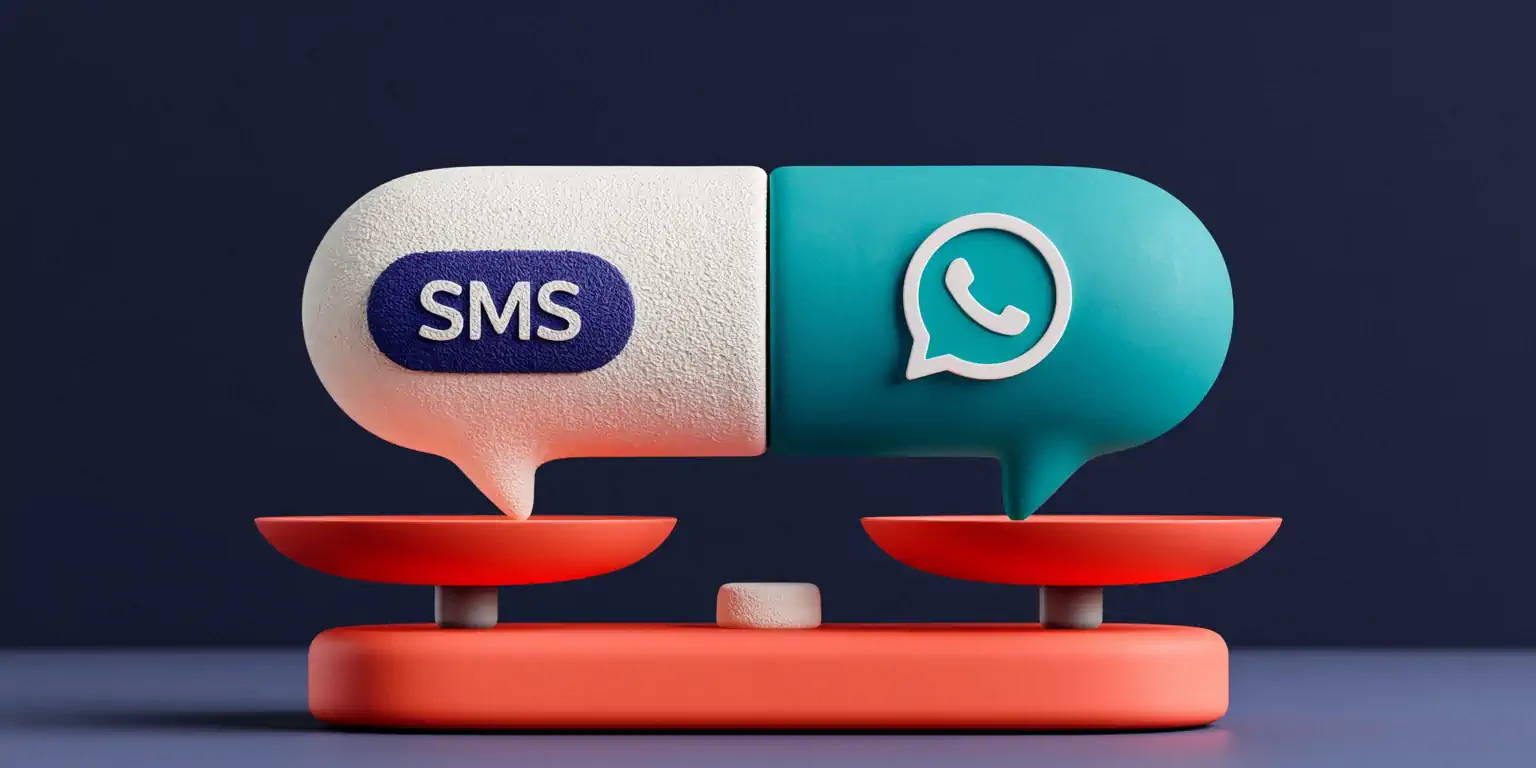
WhatsApp vs SMS for Business: Which to Use in Your Small Business and When Each Channel Wins
WhatsApp vs SMS for business: open rates, cost per message, and when to use each channel in your SMB—plus how to run both from one inbox.
Monthly or Annual Plan in TotemAI: 2 Months Free, No Lock-In
Monthly vs annual plan: annual gives you 2 months free (pay 10, use 12) and neither locks you in. Pick the billing cycle that fits your cash flow.

All-in-One Platform vs Separate Tools: Voice AI, WhatsApp, Booking, and CRM
All-in-one platform vs separate tools: four apps glued with Zapier lose 1 in 7 leads. Compare real cost, seams, and upkeep for your SMB.
AI or a Call Center? You Don't Have to Choose: The Hybrid Model
AI or a call center? You don't have to choose. AI handles the volume 24/7 and a person takes the sensitive calls with context. Here's the hybrid model.
 Book a demo
 by
by  Totem Studio