
How to Automate WhatsApp Business: A 2026 Guide for Small Businesses
TL;DR
To truly automate WhatsApp Business you need more than the free app: you need the WhatsApp Business API and an AI agent. That lets you reply instantly 24/7, book appointments, send reminders, and follow up without sounding like a robot. Automating this one channel alone leaves you half-covered next to voice and CRM.
Automating WhatsApp Business is, for many small businesses, where the sale is won or lost: your customers are already messaging you there. But there's a trap worth clearing up from the very first line. WhatsApp Business — the app you download for free — doesn't automate anything on its own: it gives you a business profile, labels, and quick replies, and not much else. Actually automating customer service — replying instantly at any hour, booking appointments, sending reminders, and following up without sounding like a robot — is a different thing, and it starts with understanding the pieces. This guide is the full map: what WhatsApp Business for companies does, what you can automate without sounding like a machine, when you need the API, and how it fits with your calls and your CRM so you don't let a single lead go cold.
Key takeaways
- WhatsApp Business (the app) gives you a profile, labels, and quick replies, but it doesn't automate customer service on its own.
- What you can actually automate: instant 24/7 replies, appointment booking, reminders, and human follow-up.
- To automate for real and handle messages as a team on one number, you need the WhatsApp Business API.
- Automating WhatsApp alone leaves you half-covered: half your customers still call on the phone.
- With Totem, the AI answers first and a person takes over the conversation in one click, with full context.
What WhatsApp Business is (and what it can't solve on its own)
WhatsApp Business is the business version of WhatsApp. Its biggest strength is obvious: it's where your customers are. According to Meta, more than a billion people message businesses every week across its messaging apps. For a lot of customers, texting a business is as natural as calling — and a lot less friction on their end.
The free app gives you a business profile (hours, address, website), labels to organize chats, a catalog, and greeting or away messages. That's fine to start. The problem shows up as you grow: the app lives on a single phone, several people can't use it at once in any organized way, and those "automated messages" are fixed templates, not a conversation. They don't book an appointment, don't understand what the customer is asking, don't update your CRM, and don't follow up with the person who didn't reply.
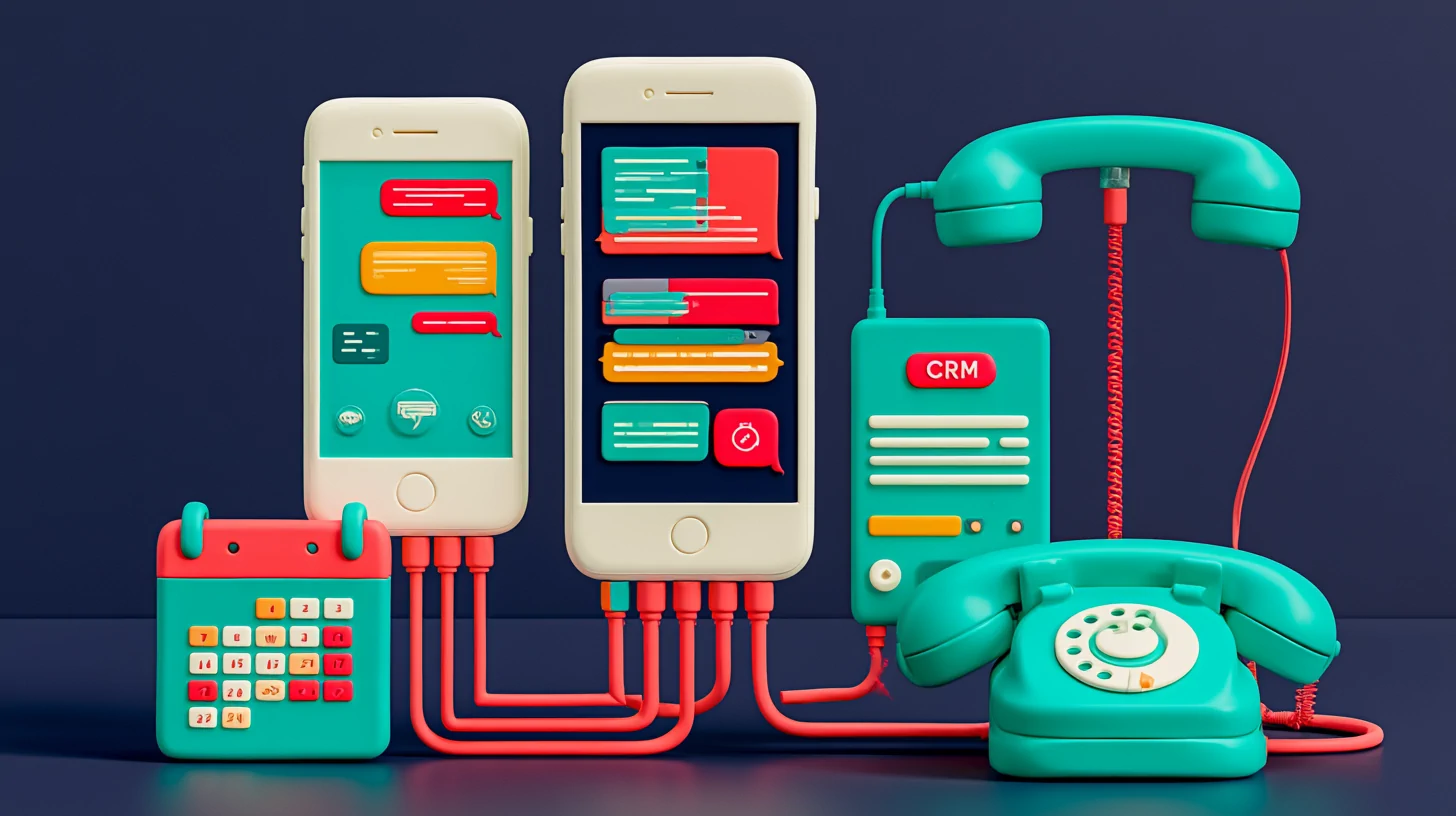
What you can automate in WhatsApp Business (without sounding like a robot)
Here's the meat of it. These are the four things worth automating on WhatsApp, in order of impact, and how to do each one well so the customer doesn't feel like they're talking to a dull machine.
Reply instantly, any hour of the day
Book appointments on your calendar
Reminders and active confirmation
Human follow-up with the ones who don't reply
Response speed is the single biggest needle-mover. According to a classic Harvard Business Review study, reaching a lead within the first five minutes makes it far more likely to qualify than waiting half an hour. That's why replying instantly isn't a luxury: it's the difference between winning the customer and handing them to whoever answers first. Among our clients, working this way translates into up to 60% less response time and 50% more appointments booked.
The "without sounding like a robot" part comes down to two things: the AI speaks in your tone of voice (not canned, out-of-a-manual phrases), and a person can take over the conversation at any moment, in one click, with everything that's already been said right in front of them. The customer is never trapped in a loop. If appointments are your thing, this piece covers it in detail: WhatsApp chatbot for booking appointments and cutting no-shows.
WhatsApp Business API: when you need it to automate
This is where a lot of small businesses get stuck when automating WhatsApp Business. The free app and the WhatsApp Business API look the same to the customer, but only one lets you automate with AI, handle messages as a team on a single number, and connect chats to your CRM. Here it is at a glance:
| WhatsApp Business app | WhatsApp Business API | |
|---|---|---|
| Who it's for | Small business, single user | Teams and real automation |
| Several people at once | No, tied to one phone | Yes, shared inbox |
| Connect to AI and CRM | No | Yes |
| Template campaigns (HSM) | Limited | Yes, approved templates |
| Cost | Your time | Per conversation/message |
The quick rule: if you're one person with one phone, the app is fine. The moment you want several people handling the same number, automation with AI, or your chats connected to a CRM, you need the API. It's not a technical whim — it's the only path. We explain it in depth, with a decision table, in WhatsApp Business app vs. API in 2026.
Two concepts worth nailing down from day one. Templates (HSMs) are the messages Meta has to approve so you can start the conversation yourself (a reminder, a promo); outside the 24-hour window, you can't send free-form text. And the shared inbox is what lets your team work on a single number without stepping on each other, assigning each chat to the right person.
Myth
If I put an AI on WhatsApp, my customers will hate it.
Reality
What they hate is waiting and endless menus. An AI that replies instantly and hands off to a person when needed improves the experience, it doesn't hurt it.
Myth
Automating WhatsApp means setting up a button chatbot.
Reality
That's the old version. Today an AI agent converses in natural language, books appointments, and understands context — no option trees.
Myth
The app's automated messages already have my customer service covered.
Reality
They're fixed templates: they say hello and little else. They don't book, don't qualify, and don't follow up.
From WhatsApp to omnichannel: why one channel alone leaves you half-covered
This is the part almost no one tells you when they're selling you "automate your WhatsApp." WhatsApp is huge, sure, but it's not the only place people look for you. Plenty of people still call on the phone — especially when they're in a hurry or the topic is sensitive — and others reach you through Instagram, Messenger, or the form on your website.
If you only automate WhatsApp, you plug one leak and leave three open. The call that comes in at 9 p.m. and no one answers is still a lost customer, even if your WhatsApp is spotless. That's why what actually works is treating every channel as a single conversation: phone, WhatsApp, Instagram, Messenger, email, and web chat all landing in the same place, with the same history and the same CRM behind them.
Automating a single channel is fixing one leak and leaving the roof open. The customer doesn't think in "channels" — they think about whether you answer them.

When you bring messaging together with voice and a lead board that moves on its own, you stop losing contacts through the cracks. We dig into it in beyond WhatsApp: why automating one channel leaves you half-covered. And the other half of the problem — keeping the lead you already have from going cold — is solved with automatic follow-up: exactly what our lead follow-up guide for non-techies walks through.
How Totem sets it up in 48-72 hours
With TotemAI you're not setting up a standalone chatbot: you're launching an AI + human platform that handles WhatsApp, Instagram, Messenger, SMS, web chat, and the phone in one place. The AI answers the phone in ~1 second and replies to your messages right away, 24/7, and someone on your team takes over the conversation in one click with full context in front of them (warm handoff). Behind it, a Kanban-style lead board where the AI itself moves each contact based on what happens — no Zapier — and human cadences that stop on their own when someone says "no."
~1 s
to answer the phone, 24/7
48-72 h
to go live, done-for-you onboarding
+50%
more appointments booked, according to our clients
Booking pages sync with Google and Microsoft Calendar, reminders go out over WhatsApp or voice, and you get per-conversation sentiment analytics, built-in search, and native iOS and Android apps. All of it ships with the AI disclosure (the transparency the AI Act's art. 50.1 requires), one-click human handoff, and EU data hosting built in, to make compliance easier on you. For the record: GDPR doesn't require you to keep data in the EU — it allows transfers with adequate safeguards (Ch. V) — so we host to the EU standard for peace of mind, not because any law forces it.
On pricing, the key point: it's a flat monthly plan with a bundle of minutes and messages included, so you know what you'll pay each month. Plans start at €49/mo plus tax (Chat) for the text channels; if you also want AI on the phone, voice starts with the Voice plan, from €99/mo plus tax, with Pro at €179/mo plus tax as the most popular pick. The annual plan gets you two months free — it's prepaid and not refunded mid-term, though there's no long-term contract. And one detail that changes the math: predictability — a flat plan with an included bundle is easier to budget than a per-minute meter that runs away from you; if you come up short one month, you top up with a one-time add-on, and you can set a spending cap.
Official sources
Frequently asked questions
Can you automate WhatsApp Business without it feeling like a robot?
Yes. The key is for the AI to respond instantly in your tone of voice, and for a person to be able to take over the conversation in one click, with full context. You disclose that it's an AI and always leave the option to talk to someone on your team.
Do I need the WhatsApp Business API, or is the app enough?
The free app works for a small business with a single user. To really automate, handle messages as a team on one number, and connect to a CRM, you need the API. We break it down in our app vs. API guide.
Is it legal to automate WhatsApp with AI?
Yes. In the US, the core practice is telling customers they're talking to an AI (an FTC expectation and general best practice) and handling personal data responsibly under laws like the CCPA. If you also serve EU residents, the AI Act and GDPR apply: the core duty there is disclosing the AI (art. 50.1 of Regulation (EU) 2024/1689) and respecting GDPR whenever you process personal data. GDPR doesn't require you to keep data in the EU: it permits international transfers with the safeguards in its Chapter V. Offering to talk to a person is a recommended best practice, not a general requirement of GDPR art. 22 for a customer-service bot. Totem ships the AI disclosure and human handoff built in. This is informational and not legal advice.
How long does it take to get up and running?
With Totem, onboarding is done-for-you and we get your WhatsApp live in 48-72 hours, connected to the rest of your channels and your calendar. No lock-in.
What can you automate in WhatsApp Business?
The things that actually pay off: replying instantly 24/7, booking appointments on your calendar, sending reminders and confirmations, and following up with customers who don't reply. The app's automated messages are fixed templates; for this you need the API and an AI agent.
How much does it cost to automate WhatsApp Business?
The app is free, but it doesn't automate. The WhatsApp Business API is billed by templates (HSMs), which carry their own Meta cost when you send them to start each conversation. With Totem you pay a flat monthly plan with minutes and messages included: it starts at €49/mo plus tax (Chat), with Pro at €179/mo plus tax as the most popular pick, so you know what you'll pay each month. No lock-in.
Related reading

No-Contract AI Receptionist: Cancel Anytime, No Setup Fee, No Risk
A no-contract AI receptionist for small business: cancel anytime, no setup fee, no penalty. Try it risk-free and go live in 48-72 hours.

Your AI receptionist, set up for you in 48–72 hours (done-for-you)
Your AI receptionist, set up for you in 48–72 hours. We build it, you approve it. No setup fee, no long-term contract, nothing technical to touch.
How Much Does an AI Voice Agent Cost in 2026? The Fine Print
How much does an AI voice agent cost? Per-minute vs flat monthly pricing compared, what's really included, and how to avoid black-box billing.

AI Receptionist Cost: It's Less Than One Missed Call a Day
An AI receptionist costs less than one missed call a day. See the ROI math by industry and why the plan pays for itself the first month.
 Book a demo
 by
by  Totem Studio