
Answer Business Calls on Your Desktop and Phone at Once (Native iOS & Android Apps Included)
TL;DR
The AI answers every business call first, so none slip away. When a person is needed, the call routes to whoever owns that number and rings at once in their browser and native iOS and Android apps—answer from the front desk, the kitchen, or the street. The team watches live and gets a heads-up, but it doesn't ring everyone. Start on your phone and the conversation follows you to your desktop with full context.
Answering your business calls on your phone and computer at once has stopped being a luxury: the AI answers every call instantly and, when a person is needed, the handoff rings at the same time in your browser, on your iPhone, and on your Android, and you answer on whichever one is closest. Nobody has to be chained to a desk phone at the front counter: the call goes to whoever's in charge of that number, and it rings the same in the back room as it does out on the street. The moment they pick up on one device, it stops ringing on their others. That simple—and, strangely, that rare.
This matters because the phone doesn't wait. According to a classic InsideSales/MIT study, contacting a lead within the first five minutes makes it up to 100x more likely to qualify than if you wait half an hour. If the call only rings on one desk phone and that spot is busy, you've missed the window. Having the AI answer first and the handoff reach any of your devices is, literally, never leaving a call unanswered.
Key takeaways
- The AI answers every call first; the handoff to a person rings at once on their web, iOS, and Android, and the rest of the team watches live.
- The iPhone and Android apps are native (App Store and Google Play), not an embedded website.
- The AI answers first in ~1 second and, if needed, passes the call to a person with context.
- Start the conversation on your phone and finish it on your desktop without losing the thread.
- A flat monthly plan with minutes and messages included: you know what you pay each month.
One number that rings on your phone and computer at once
The idea is old and good: one business number the AI answers, and each person with their own extension. What's new is what happens when a call comes in. Instead of dying on a desk phone or dumping into voicemail, the AI picks it up; and if a person is needed, the handoff rings at once on every device of whoever owns that number. Browser open on the laptop, app on the iPhone, app on the Android: all three buzz at the same time, and you only have to pick up on one.
The moment that person picks up on one device, the ring goes quiet on their others. Because the call is routed to a single person—not to the whole team at once—there aren't two people talking to the same customer, none of that awkward "you got it or should I?" choreography; the rest of the team watches live in case they want to stay in the loop. And even before anyone picks up, the AI receptionist answers in ~1 second and keeps the customer looked after: it greets them, works out what they need, and, if a person should step in, rings the devices of whoever owns that number with the context already gathered.
~1 s
to answer the call (the AI first)
24/7
nights, weekends, and holidays covered
60%
shorter response time, according to our clients
If switching phone systems worries you, there's no need: you can put the AI to answer without changing your number using call forwarding and overflow. The same number you've always had, your team on all their devices.
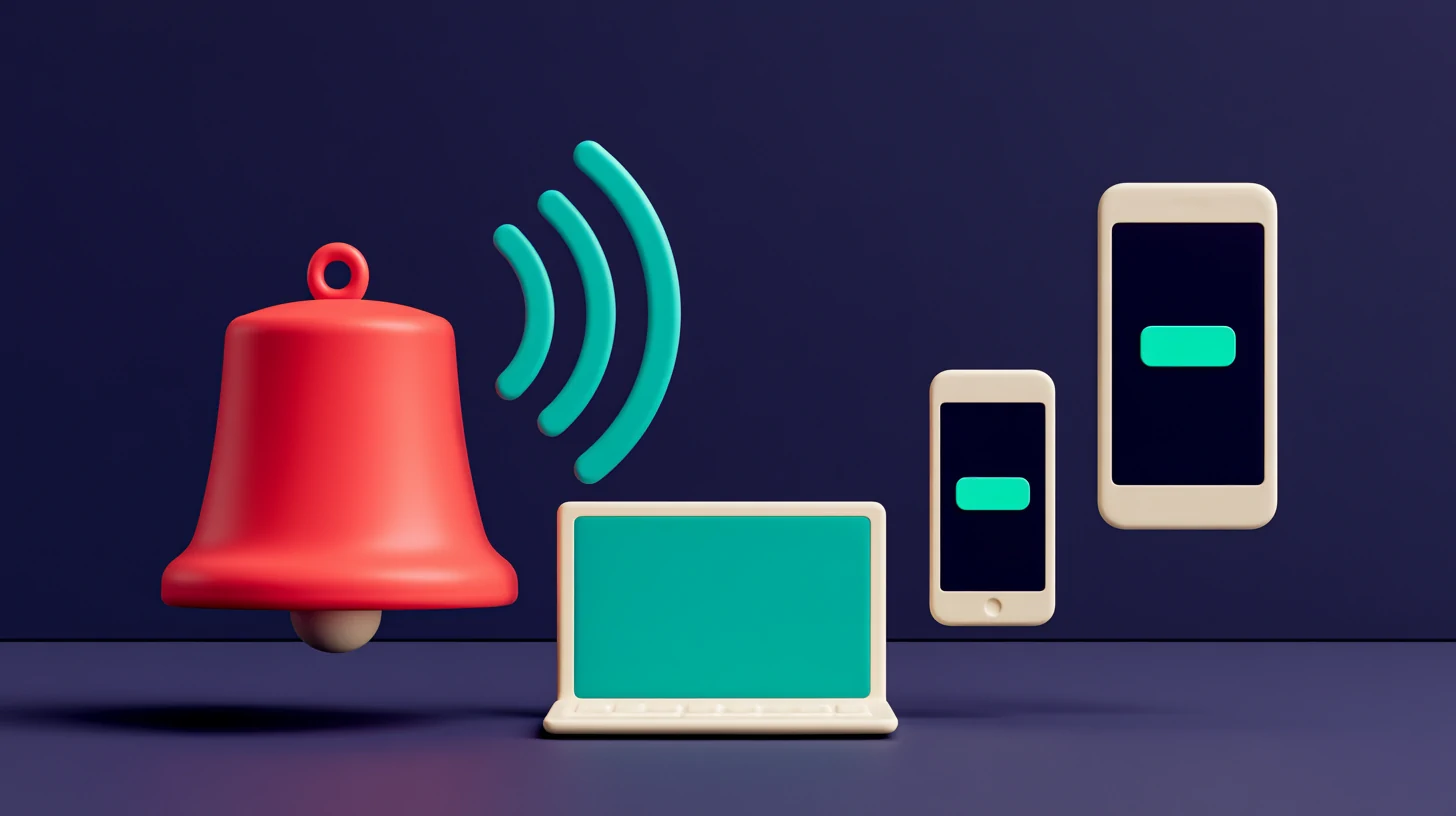
An app to take calls: native on iOS and Android, not a website stuffed in a box
Here's the difference you feel day to day. Plenty of tools say "we have an app" and what they have is the same website wrapped in an icon. It works so-so: it depends on the tab being open, notifications arrive late or not at all, and an incoming call gets missed because the browser was asleep.
Myth
An app is an app—how it's built doesn't matter.
Reality
An embedded website depends on an open tab and notifies late; a native app receives the call even with your phone in your pocket.
Myth
To take calls you have to be sitting at the computer.
Reality
With the native iOS and Android apps you answer from wherever you are: the street, the stockroom, another room.
Myth
The phone is for emergencies; the real work happens at the desktop.
Reality
The conversation is the same on both: start on your phone and pick it back up on your desktop with full context.
Totem's iOS and Android apps are native and download from the App Store and Google Play. They're not a stripped-down version of the dashboard: they receive the incoming call with a real push notification—even with your phone in your pocket and the screen off—show you who's calling and what's been discussed, and let you pick up a conversation the AI already started. The same platform, built for the device you carry, not the one on your desk. And because it's the same session everywhere, you don't set up an extension on each phone: install the app, sign in with your extension, and you'll get the calls meant for you across all your devices.
Take calls from wherever you are: front desk, kitchen, or street
Picture a real business. A hair salon with two people: one with their hands in a color treatment and another at the register. The phone rings. Before, either a service got interrupted or it went to voicemail and that customer called the salon across the street. Now the AI answers instantly and captures the reason, so nobody drops what they were in the middle of; and if it's a booking worth confirming on the spot, the handoff rings on the phone of whoever's handling calls—it's in their pocket, wherever they are—while the other person watches live.
The call no longer depends on someone being next to the phone: the AI always answers, and if it needs to go to a person, it reaches their pocket wherever they are.
This works for almost every vertical we work with. At a restaurant, the AI takes the reservation and, if something needs confirming, the handoff reaches whoever's in charge, in the dining room or the kitchen. At a real estate agency, the agent showing a property sees the call on their iPhone and decides whether to take it or let the AI book it. In home services, the tech in the middle of a job doesn't miss the call because it rings in their pocket. And when a person picks up, they don't start from zero: the AI has already done the prep work and, if things need to escalate, you don't lose the human touch thanks to the handoff with context.
For groups with several locations or franchises, this is organized by team: each site gets its own, and an admin distributes the channels with no hassle. We cover it in a multi-location CRM: how to split channels by site.
The call comes in
It rings on the phone and computer
They answer on whichever device is closest
It's logged
Start the call on your phone and continue it on your computer, without losing context
The other quiet superpower is continuity. You take the call on your iPhone while walking to the office; when you arrive, you open it on your desktop and it's all there: the transcript, the reason for the call, the lead's history, everything the AI had already noted. You don't ask for the name again or "remind me why you were calling." The customer feels there's a single conversation, not three loose pieces taped together.

And when you need to find someone fast—that lead from two weeks ago, that specific call—you don't have to dig through tabs: with universal search you find any lead, call, or conversation instantly, from whichever device is closest.
All of this translates into numbers we see with our clients: up to +50% more appointments booked and −35% no-shows, largely because no call goes unanswered and no follow-up goes cold. It's not magic; it's that the AI always answers and the handoff reaches the right person wherever they are.
−35%
fewer no-shows, according to our clients, by never leaving calls unanswered
A note that saves you nasty surprises on the bill: you pay a flat monthly plan with minutes and messages included. The call ringing on three devices doesn't multiply anything; what sets the plan is the capacity you need and the size of your team, not how much you talk, so you know what you pay each month. And if you grow, the extras are flat and predictable: €5/mo per teammate and €10/mo per booking page (calendars are free and unlimited). We explain it in full in why your price is predictable.
Frequently asked questions
Does the call ring on my phone and computer at the same time?
Yes, on your own devices: your browser and your iOS and Android apps ring at the same time, and you answer on whichever one is closest; the moment you pick up on one, it stops ringing on the others. That said, the call is routed to one person—whoever owns that number or extension—it doesn't ring every teammate's phone at once; the rest see it live and get a heads-up. And before any of that, the AI has already answered.
Are the iOS and Android apps native, or a website stuffed in a box?
They're native apps, available on the App Store and Google Play. They receive the call, show the lead's context, and let you pick up a conversation the AI already started—without depending on keeping a browser tab open.
Do I have to change my phone number?
No. You can keep your number and forward calls to Totem. The AI answers first in ~1 second and, when a person is needed, rings the devices of whoever owns that number for the handoff.
How is phone service billed at Totem?
You pay a flat monthly plan. You choose the plan by three things: the channel (chat, voice, or both), the complexity you need (from a single agent to multi-agent orchestration, a knowledge base, and a family with subteams), and the size of your team (users, calendars, and calls in parallel). Usage is the least of it: every plan comes with plenty of minutes and messages, and if you run short one month you top up with a one-time add-on and can set a spend cap. That keeps the cost predictable month to month.
How do I receive business calls on my phone and computer at the same time?
You forward your number to Totem. The AI answers and, when a person is needed, the call rings at the same time in your browser and your native iOS and Android apps. You don't configure anything on each device: just sign in with your extension in the app or the dashboard.
Can I start a call on my phone and continue it on my computer?
Yes. It's a single conversation: if you take the call on your phone and then open your desktop, you'll find the transcript, the reason for the call, and the lead's history intact—without asking the customer anything again.
Related reading

Franchise & Multi-Location CRM: Give Every Branch Its Own WhatsApp and Channels
One CRM for franchises and multi-location businesses: give every branch its own number, WhatsApp and channels while HQ sees the whole group in one view.

AI Receptionist Results for Small Business: +43% Bookings, −62% No-Shows, Double the Sign-Ups (With the Fine Print)
Real AI receptionist results for small business: +43% bookings, -62% no-shows and double the sign-ups, with the fine print on every figure.

AI Agent for Accounting Firms: Answers From Your Own Knowledge (RAG)
An AI agent for accounting firms answers repeat questions from your own knowledge base (RAG), qualifies each case, and books the consultation.

Multilingual AI Customer Service, Without Hiring More People
Multilingual AI customer service replies in each customer's language by voice and chat, 24/7. One team covers every language without extra hires.
 Book a demo
 by
by  Totem Studio